You Downloaded Another Task App. You're Still Not Organized.
Let's be honest. You've probably tried at least five to-do apps in the past few years. Maybe more. Each one promised to finally get your life together with smart labels, AI suggestions, nested subtasks, color-coded priorities, and collaborative boards.
And each time, the same thing happened. You spent an hour setting it up, felt productive for a day or two, then quietly abandoned it.
You're not the problem. The app was.
The Paradox of Productivity Tools
There's a strange irony at the heart of modern productivity culture. The tools designed to save you time often end up consuming it. Every new feature is one more thing to configure, learn, and maintain. Every notification is one more interruption dressed up as "help."
This is what digital minimalism pushes back against. The idea is simple: technology should serve your life, not complicate it. And when it comes to managing your daily tasks, that principle matters more than you'd think.
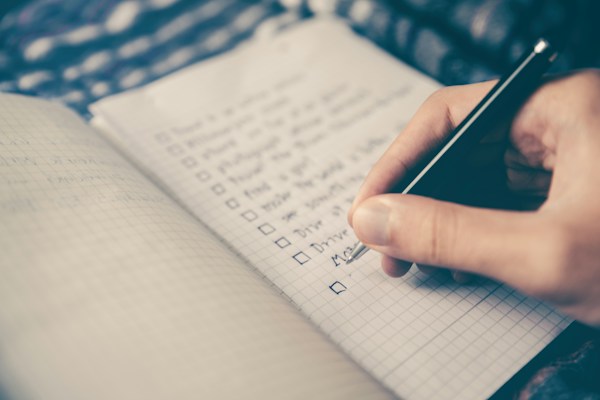
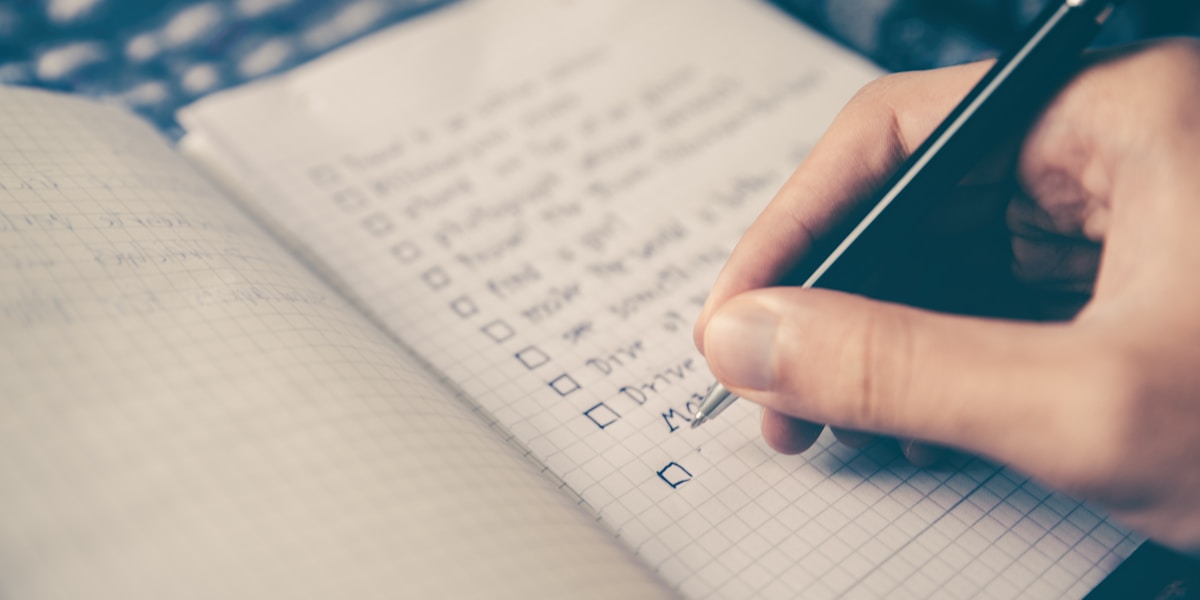
A simple task manager app doesn't need to sync with your calendar, predict your habits, or suggest when you should buy groceries. It just needs to let you write things down and check them off.
Why Complexity Kills Consistency
Think about the last time you actually stuck with a system. Maybe it was a notebook on your kitchen counter. Maybe it was a sticky note on your monitor. These tools worked not because they were powerful, but because they were frictionless.
The moment a tool asks you to create an account, choose a plan, watch a tutorial, or connect a third-party integration, it introduces friction. And friction is the enemy of consistency.
Research in behavioral psychology backs this up. The easier a behavior is to start, the more likely you are to repeat it. That's why the case for paying once for your to-do app resonates with so many people. It's not just about money. It's about removing one more barrier between you and getting things done.
What a Simple Task Manager Actually Looks Like
So what does a genuinely simple task app include? Here's the short list:
- A place to write tasks. No templates, no wizards. Just a blank line and a cursor.
- A way to check them off. Satisfying. Immediate. Done.
- Optional organization. Maybe a few lists or categories, but nothing you're forced to use.
- Offline access. Your grocery list shouldn't need Wi-Fi.
- Privacy by default. Your tasks are your business, not training data for an algorithm.
That's it. If an app does those five things well, it's already better than most of what's on the market.
The Real-Life Test
Picture this. It's Sunday evening. You're planning your week. You want to jot down a few things: meal prep on Monday, call the dentist, return that package, finish the report by Thursday.
In a complex app, you might spend ten minutes deciding which "project" each task belongs to, what priority level to assign, and whether Thursday's deadline needs a reminder at 9 a.m. or 8:45 a.m.
In a simple app, you type four lines and you're done. You move on with your evening.
Now multiply that difference across every week of the year. The time you save isn't dramatic on any single day, but it adds up to something meaningful: less time managing your system, more time living your life.
Digital Minimalism Beyond Your Task List
The philosophy of "less but better" doesn't stop at to-do lists. It applies to every app on your phone.
Do you really need a fitness tracker that gamifies your workouts with leaderboards and social feeds? Or would a straightforward workout log that just records what you did work just as well? Do you need a budgeting app that connects to your bank and categorizes every latte, or could you track expenses privately and still stay on top of your finances?
The pattern is the same everywhere. Subscription fatigue is real, and it's not just about cost. It's about the mental weight of maintaining accounts, managing permissions, and wondering which apps are doing what with your data.
Privacy and Simplicity Go Hand in Hand
Here's something worth noticing: the simplest apps tend to be the most private ones. When an app doesn't require an account, it doesn't collect your email. When it works offline, it doesn't send your data to a server. When it has no social features, there's nothing to share or leak.
This isn't a coincidence. Complexity creates surface area, and surface area creates risk. If you care about how your apps handle your data, simplicity is one of the best filters you can apply.
sLists is a good example of this philosophy in practice. It's a simple task manager app that works offline, doesn't need an account, and includes a handy auto-reset feature for recurring lists like daily routines or weekly chores. No cloud sync to worry about. No data policies to read. Just your lists, on your device.How to Simplify Your Productivity Setup
If you're ready to try a more minimalist approach, here are a few practical steps:
1. Audit your current apps. Open your phone and count how many productivity apps you have installed. Be honest. Now ask yourself which ones you actually opened this week. 2. Pick one tool for each job. One app for tasks. One for notes. One for calendar. That's enough for most people. Resist the urge to specialize further. 3. Choose apps that work without the internet. If you can't add a task while standing in a parking garage with no signal, the app has already failed its most basic job. 4. Delete the rest. Not "move to a folder." Delete. You won't miss them. And if you do, you can always reinstall. 5. Give it two weeks. The first few days might feel like something is missing. That feeling is just habit. By week two, you'll notice something better in its place: clarity.The Quiet Power of Doing Less
Digital minimalism isn't about rejecting technology. It's about being intentional with it. The best simple task manager app is the one you actually use, day after day, without thinking about it. It fades into the background of your life and lets you focus on what matters.
You don't need another system. You don't need another app with 200 features and a 14-day free trial. You need a clean list and the peace of mind that comes with knowing your data stays yours.
The goal isn't to be more productive. It's to spend less energy on the system and more on the living.
Your routines. Your lists. Your time back.