The Notebook on the Counter
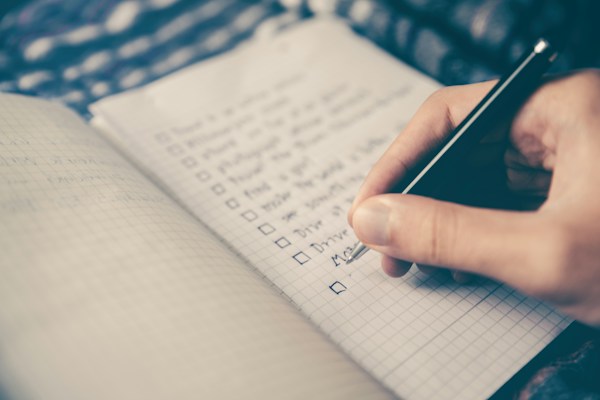
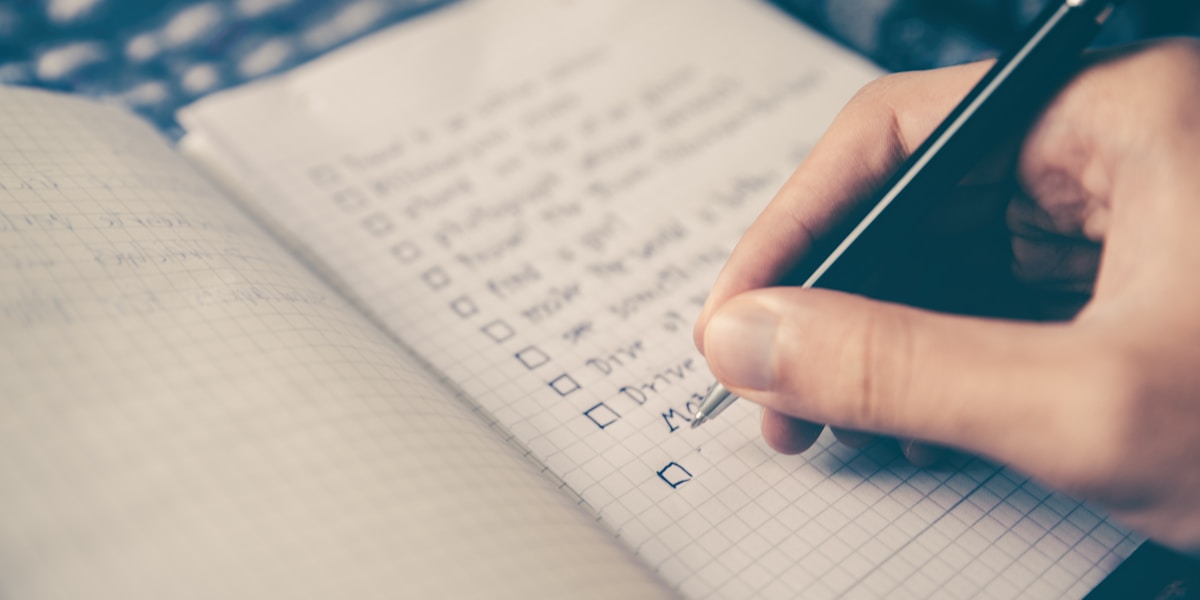
You know that notebook sitting on your kitchen counter? The one with the grocery list, a few crossed-off errands, and maybe a motivational quote you scribbled at 7 AM? There's a reason it works. It's simple. It's right there. And nobody's asking you to create an account to use it.
But then you're standing in the cereal aisle, and the notebook is at home. Sound familiar?
The debate between a digital checklist vs paper isn't really about picking a winner. It's about figuring out what actually helps you get things done, and what just adds friction to your day.
Why Paper Still Feels So Good
Let's give paper its due. Writing things down by hand engages your brain differently. Studies have shown that the physical act of writing improves memory and focus. There's something satisfying about dragging a pen through a finished task that a screen tap just can't replicate.
Paper is also beautifully distraction-free. No notifications. No "upgrade to Pro" banners. No syncing errors. Just you and the page.
For people who are tired of apps that do too much, paper can feel like a breath of fresh air.
Where Paper Falls Short
Here's the thing, though. Paper doesn't come with you everywhere. It can't remind you that the electricity bill is due on Thursday. And if you spill coffee on it, your weekly plan is gone.
There are also the recurring lists. The packing checklist you rewrite every trip. The Monday morning routine you copy from last week's page. The cleaning tasks that reset every Sunday. Rewriting the same list over and over isn't productive. It's busywork.
And if you share a household, passing a notebook back and forth isn't exactly seamless. "Did you see I added dish soap?" is a question nobody should have to ask twice.
Where Digital Lists Win
A good digital list solves the portability problem instantly. Your phone is already in your pocket. Your tasks can be there too.
But "digital" doesn't have to mean complicated. The best digital lists work the way paper does. You open them, you see your tasks, you check things off. No project boards. No priority matrices. No Gantt charts for buying groceries.
The real magic happens with things paper simply can't do:
- Auto-resetting lists. Imagine your morning routine checklist refreshing itself every day without you lifting a finger. Or your weekly meal prep list appearing fresh each Sunday. That's time you get back. If you've never tried this, auto-reset lists can genuinely change how you manage repeating tasks.
- Always with you. Whether you're at the store, at work, or on vacation, your lists are in your pocket.
- Nothing gets lost. No coffee spills. No forgotten notebooks. No "which page was that on?"
The Sweet Spot: Simple Digital
The problem most people run into isn't digital vs. paper. It's that most digital tools try to be everything at once. They want to manage your projects, track your time, integrate with your calendar, and send you motivational push notifications at 6 AM.
That's not a to-do list. That's a second job.
If you've ever deleted a productivity app and gone back to basics, you already know this feeling. The relief of simplicity. The realization that you don't need 47 features to remember to buy milk.
The sweet spot is a digital tool that feels like paper but does the few things paper can't. Something that opens fast, stays out of your way, and doesn't need your email address just to make a grocery list.
That's exactly the thinking behind sLists. It's a simple checklist app that works offline, doesn't require an account, and keeps your data on your device. It has auto-reset for recurring lists, and that's about it. No complexity for the sake of complexity.
How to Find Your Own Balance
Not everything belongs on an app, and not everything belongs on paper. Here's a practical way to think about it:
Use paper for:- Brain dumps and brainstorming
- One-time notes you'll act on immediately
- Journaling and reflection
- Anything that benefits from the slowness of writing
- Recurring tasks (cleaning, grocery staples, routines)
- Lists you need on the go
- Shared household tasks
- Anything you'd otherwise rewrite every week
- Personal to-do lists that don't need project management
- Simple daily routines
- Anything that makes you spend more time organizing than doing
The key question is: does this tool help me do the thing, or does it just help me plan the thing? If you're spending more time inside the app than actually completing tasks, something's off.
A Note on Privacy
One thing paper has always had going for it is privacy. Nobody's mining your grocery list for ad data. Nobody's syncing your morning routine to a server you've never heard of.
If you're moving any part of your list-making digital, it's worth asking where your data goes. A lot of free apps come with hidden costs that aren't measured in dollars. They're measured in data. Your habits, your routines, your location, all quietly collected.
Look for tools that respect your privacy by design, not as an afterthought. Offline-first apps that store data on your device are a good place to start.
The Real Goal
Whether you use a notebook, a digital checklist, or some mix of both, the point is the same. Get the thing out of your head so you can actually do it.
The best system is the one you'll use tomorrow morning without thinking about it. For some people, that's a pocket notebook and a good pen. For others, it's a phone app that opens in half a second and doesn't ask questions.
Most of us? We land somewhere in the middle. And that's perfectly fine.
Your routines. Your lists. Your time back.