The Sticky Note on Your Fridge Is Smarter Than You Think
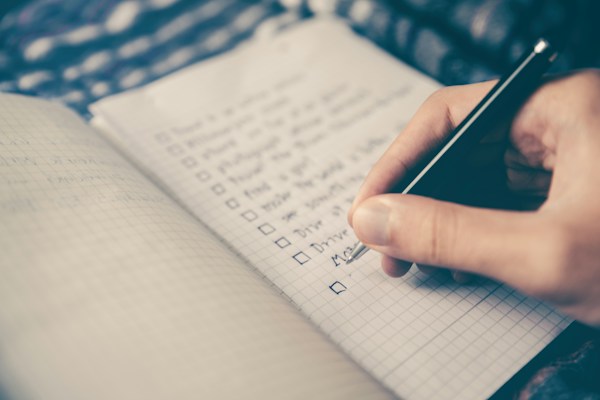
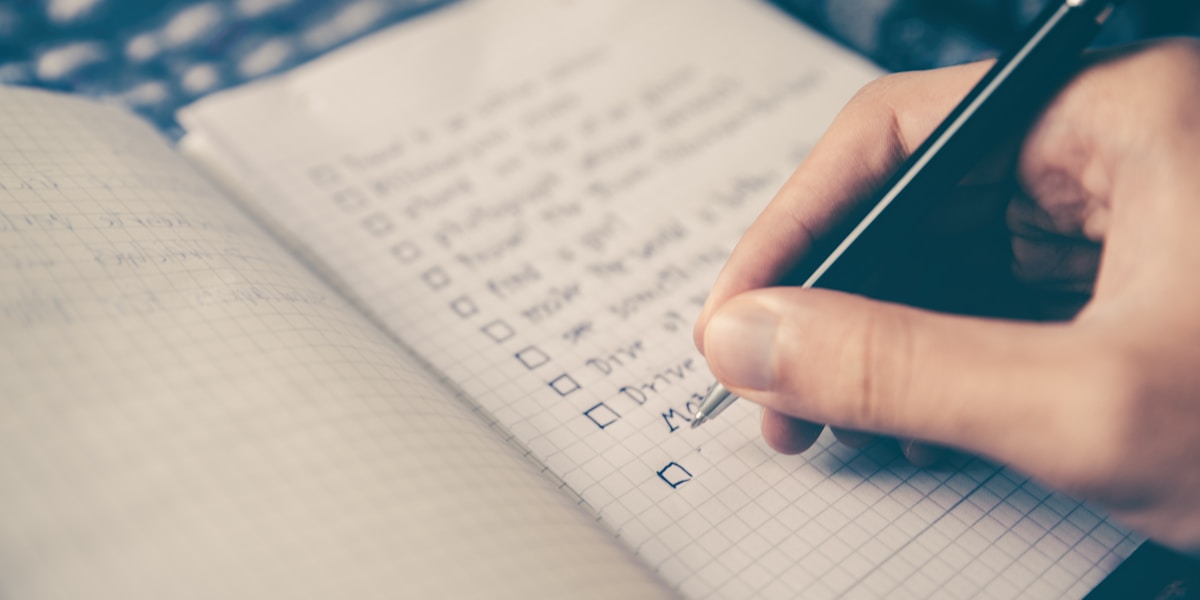
There's a reason that crumpled grocery list in your pocket actually gets things done. It's not fancy. It has no notifications, no color-coded tags, no sync across five devices. And yet, somehow, you never forget the milk when it's scribbled on paper.
Meanwhile, that productivity app you downloaded last month? You spent 20 minutes setting it up, forgot your password, and haven't opened it since.
You're not alone. And you're not doing it wrong.
Why Simple Lists Work So Well
Psychologists have a name for what happens when you write something down by hand. It's called the generation effect, and it means your brain encodes information more deeply when you actively produce it rather than passively type it.
But there's something even simpler going on. A paper list removes every barrier between you and the task. There's no login screen. No tutorial. No premium tier you need to unlock just to add a due date.
You write "pick up dry cleaning" and you're done. That's it. That's the whole system.
This is exactly why getting things done doesn't require complex tools. The method works because of clarity, not complexity.
The Problem With "Productivity" Apps
Let's be honest about what happens when you download a new task manager. First, you explore the features. Then you watch a YouTube video about the "best setup." Then you reorganize your categories, tweak the theme, and create a project called "Organize My Life."
Two hours later, you haven't done a single thing on your actual list.
This is what happens when the tool becomes the task. And it's more common than anyone wants to admit. Feature bloat doesn't just slow down apps, it slows down the people using them.
The best productivity system is the one you actually use. For a lot of people, that's a piece of paper. And there's nothing wrong with that.Where Paper Falls Short
Of course, paper has real limitations. Lists get lost. They can't remind you that tomorrow is trash day. They don't reset themselves every Monday morning with your weekly routine already filled in.
And if you're the kind of person who makes the same list over and over, like a morning checklist or a weekly meal prep plan, rewriting it by hand starts to feel like a chore in itself.
That's the gap. Not between "simple" and "powerful," but between one-time lists and repeating routines.
The question isn't paper vs. digital. It's: does this tool stay out of my way, or does it become another thing to manage?
The Sweet Spot: Digital Simplicity
What if a digital list could feel like paper? No account creation. No cloud sync you didn't ask for. No ads. Just a blank list, ready when you are.
That's the idea behind apps that embrace digital minimalism as a productivity strategy. Strip away everything that isn't the list itself, and what you're left with is something that works the way your brain already does.
For repeating tasks, something like sLists takes this a step further with auto-resetting lists. You set up your Monday routine once, and it comes back fresh every week. No rewriting, no fiddling. It's the paper list that remembers itself.
Five Ways to Keep Your Lists Actually Simple
1. One list per context. Don't combine your grocery run with your work deadlines. Keep a "home" list and a "work" list. That's usually enough. 2. Write tasks as actions, not goals. "Get healthier" is a goal. "Walk 20 minutes after lunch" is a task. Your list should be full of things you can physically do right now. 3. Cap it at seven items. Research on working memory suggests we handle about seven things well. If your daily list has 15 items, you're setting yourself up to feel behind before you start. If your to-do list keeps growing out of control, here are some practical ways to trim it back. 4. Use the two-minute rule. If something takes less than two minutes, do it immediately instead of adding it to any list. Writing it down takes almost as long as just doing it. 5. Review once a day, not ten times. Check your list in the morning and once after lunch. Constant list-checking is just procrastination wearing a productivity costume.What About Privacy?
Here's something people rarely think about. Your to-do list is a surprisingly intimate document. It knows your habits, your health goals, your financial anxieties, what you're putting off, and what keeps you up at night.
Most popular task apps sync your lists to the cloud by default. Some use that data for ad targeting. Others share it with third parties in ways buried deep in their privacy policies.
A paper list doesn't have a privacy policy. And a good digital list shouldn't need one either. If you care about keeping your personal data private, look for tools that store everything on your device and never ask for an account.
The Real Productivity Secret
The most productive people you know probably aren't using the fanciest tools. They're using the simplest ones, consistently. A notebook. A whiteboard. A single app with one screen and no learning curve.
Productivity isn't about finding the perfect system. It's about removing friction between thinking "I should do this" and actually doing it. Paper does that beautifully. And when you need something paper can't do, like auto-resetting a weekly checklist, a minimalist app can fill that gap without adding noise.
The trick is to never let the tool become more complicated than the work itself.
Start With What Works
If paper lists are working for you, keep using them. Seriously. Don't let anyone convince you that you need a $10/month subscription to remember to buy eggs.
But if you find yourself rewriting the same list every week, or losing sticky notes faster than you can write them, try going digital without going overboard. Pick something that feels like paper with a better memory.
Your routines. Your lists. Your time back.