I'll write the blog post directly since the content directory isn't in this subdirectory. Here's the post:
You Already Know How to Get Things Done
There's a whole industry built around productivity. Apps with kanban boards, AI prioritization, nested subtasks, and color-coded labels. But here's the thing most people discover after trying all of it: a simple list works.
David Allen's Getting Things Done (GTD) method has been around for over two decades. And at its core, it's not about fancy tools or complex workflows. It's about getting everything out of your head and into a trusted system. The GTD simple method starts with one idea: your brain is for having ideas, not holding them.
The Problem Isn't You, It's the Clutter
Think about a typical morning. You wake up remembering you need to email the landlord, buy toothpaste, schedule a vet appointment, and finish that report by Thursday. None of these things are hard. But carrying all of them around in your head? That's exhausting.
GTD calls this "open loops." Every unfinished task or unmade decision takes up mental space, even when you're not actively thinking about it. The fix isn't discipline or motivation. It's a list.
Write it all down. Every single thing. Once it's captured somewhere you trust, your brain lets go. That's the magic.GTD, Stripped Down to What Actually Works
The full GTD framework has five stages: capture, clarify, organize, reflect, and engage. If you want to go deep, Allen's book is worth reading. But you don't need to master the whole system to get results.
Here's the simplified version that works for most people:
1. Capture everything. The moment a task, idea, or reminder pops into your head, write it down. Don't judge it, don't prioritize it. Just get it out. 2. Decide what's actionable. Once a day, look at what you've captured. If something takes less than two minutes, do it right now. If it needs more time, it stays on the list. If it's not actually something you need to do, delete it. 3. Group by context. You don't need 15 categories. Try three: things to do at home, things to do at work, and things to do when you're out. That's it. 4. Review weekly. Spend ten minutes on Sunday evening (or Monday morning, whatever works) looking at your lists. Cross off what's done. Add what's new. This is the part most people skip, and it's the part that makes everything else work."Your mind is for having ideas, not holding them." - David Allen
Why Most Productivity Apps Make This Harder
Here's where things get ironic. You download a task app to simplify your life, and suddenly you're spending 20 minutes setting up projects, choosing icons, and syncing across three devices. The tool that was supposed to save you time is now eating your time instead.
A GTD simple method doesn't need much. It needs a place to capture things quickly, a way to check them off, and maybe a way to reset recurring lists automatically so your daily and weekly routines take care of themselves.
That's why a lot of people are going back to basics. Not because basic tools are trendy, but because they remove friction. And friction is the enemy of any system you're trying to build into a habit.
Real Life: What This Looks Like in Practice
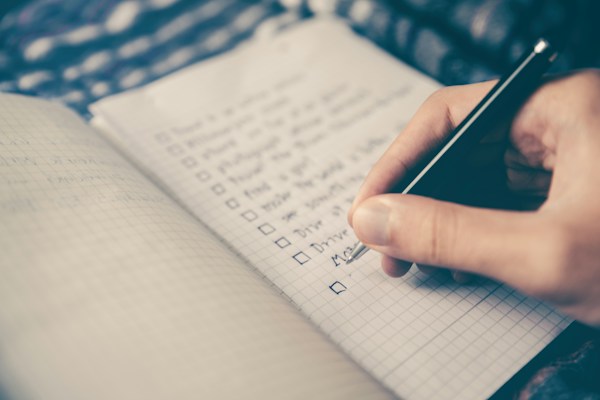
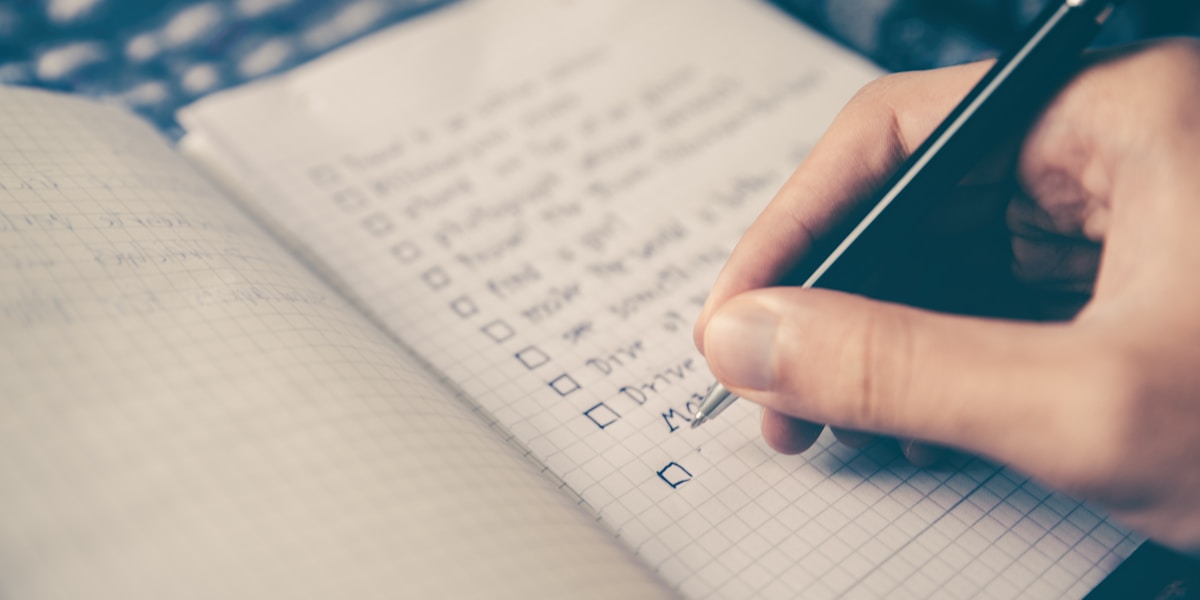
Let's say it's Wednesday. You sit down with your coffee and open your list. It looks like this:
- Call dentist to reschedule
- Pick up prescription
- Reply to Maria about Saturday
- Research new running shoes
- Clean out fridge
- Send invoice to client
Nothing fancy. No priority scores. No due-date algorithms. You scan the list, see that two things can happen right now (the call and the email to Maria), and you do them. The rest stays for later.
By Friday, most of it is crossed off. Not because you had a burst of productivity, but because seeing a short, clear list makes action feel easy. That's the psychology behind GTD. It reduces the decision overhead that makes us procrastinate.
The Privacy Angle Nobody Talks About
Most task apps today want your email, your location, your usage data. Some even sell that data to third parties. Your to-do list is surprisingly personal. It contains your doctor appointments, your financial tasks, your relationship reminders. That's not information that should live on someone else's server.
If privacy matters to you, look for tools that work offline and don't require an account. sLists is one option that does exactly this: a straightforward to-do list app with auto-reset features, no sign-up, and no data collection. It fits the GTD approach well because it stays out of your way and lets you focus on what actually matters.
Tips to Make the GTD Simple Method Stick
Start absurdly small. Don't try to organize your entire life on day one. Begin with one list for tomorrow. Just tomorrow. Use the two-minute rule religiously. If you look at a task and it would take less than two minutes, do it immediately. Don't add it to the list. This single habit eliminates half the clutter most people carry around. Don't over-categorize. The moment you create your sixth list, you've probably gone too far. Two or three lists cover most of what anyone needs: a daily list, a weekly list, and maybe a "someday" list for bigger ideas. Review, review, review. The weekly review is what separates people who use lists from people who just write things down and forget about them. It doesn't have to be long. Five to ten minutes is enough. Forgive yourself for imperfection. You'll forget to write things down. You'll skip the review some weeks. That's fine. The system works because you come back to it, not because you never leave.Simple Scales, Complex Fails
There's a reason the minimalist approach to productivity keeps gaining followers. Complex systems require maintenance. Simple ones just work.
GTD was never about the tool. It was about the habit of capturing, deciding, and doing. Whether you use a notebook, a sticky note, or an app on your phone, the method works the same way. The best system is the one you'll actually use tomorrow morning.
So start small. Write down five things you need to do this week. Cross them off as you go. Notice how it feels to see that list shrink.
Your tasks. Your lists. Your time back.